Adding the Trip
- Login
- eWay
- Trip Menu
- +Add Trip
The Trip module is faciliated to add the new Trip
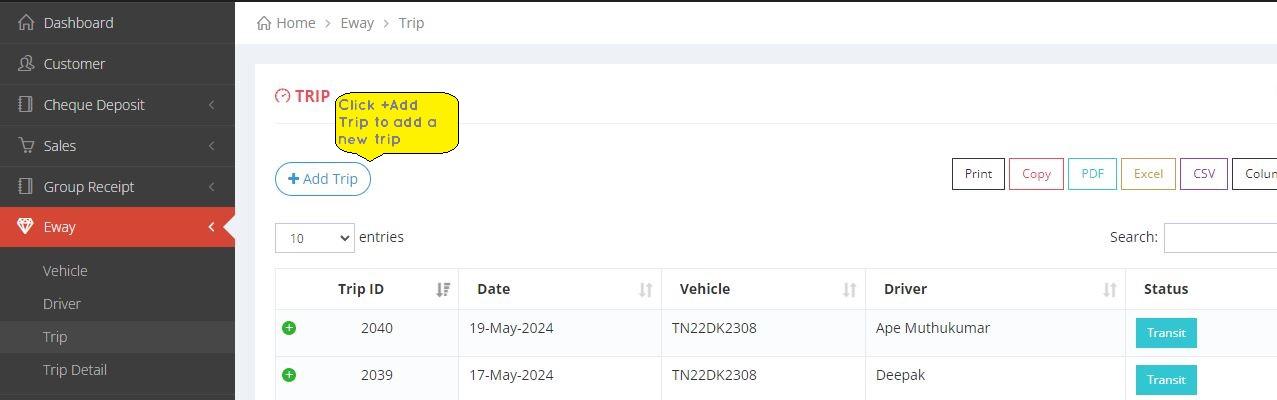
Image and Text Representation to a Trip
Adding trip

×

×
- 1. Select the Date where you are going to start the trip.
- 2. Select the Driver from the drop down menu.
- 3. Select the Vehicle from the drop down .
- 4. Choose the Outstanding.
- 5. Select the Customer.
- 6. Click on the Add/ Update+ button.
- 7. Click Save to create a new Trip.