Generate Paid/Return
- Login
- Cheque Issued menu
- paid menu
This module is designed for issuing cheques. It allows you to search and proceed to the action you perform.
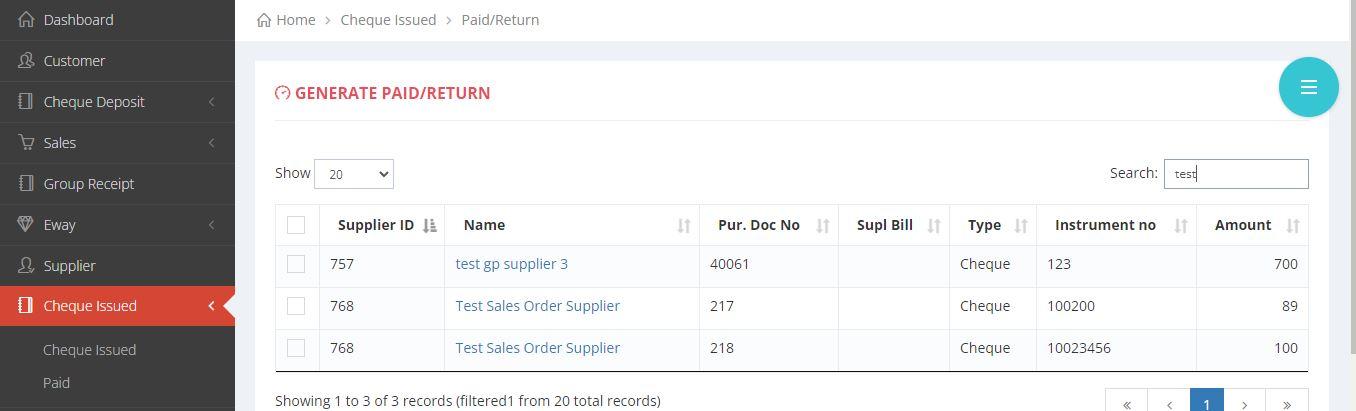
Paid/ Return the cheque
Procedure to Pay/Return the cheque
The following methods will demonstrate how to issue the cheque, using both images and text.
- IMAGE REPRESENTATION

×

×
- TEXT REPRESENTATION
- 1. Login to equalside.in
- 2. Search for the cheque that you are about to issue.
- 3. Select the cheque that you are about to issue.
- 4. Select the status of the cheque.
- 5. Finally, click save to proceed.