Document
- Login
- Masters
- Document
- +Add Document
This module is faciliated to add your documents to keep everything organized and accessible.
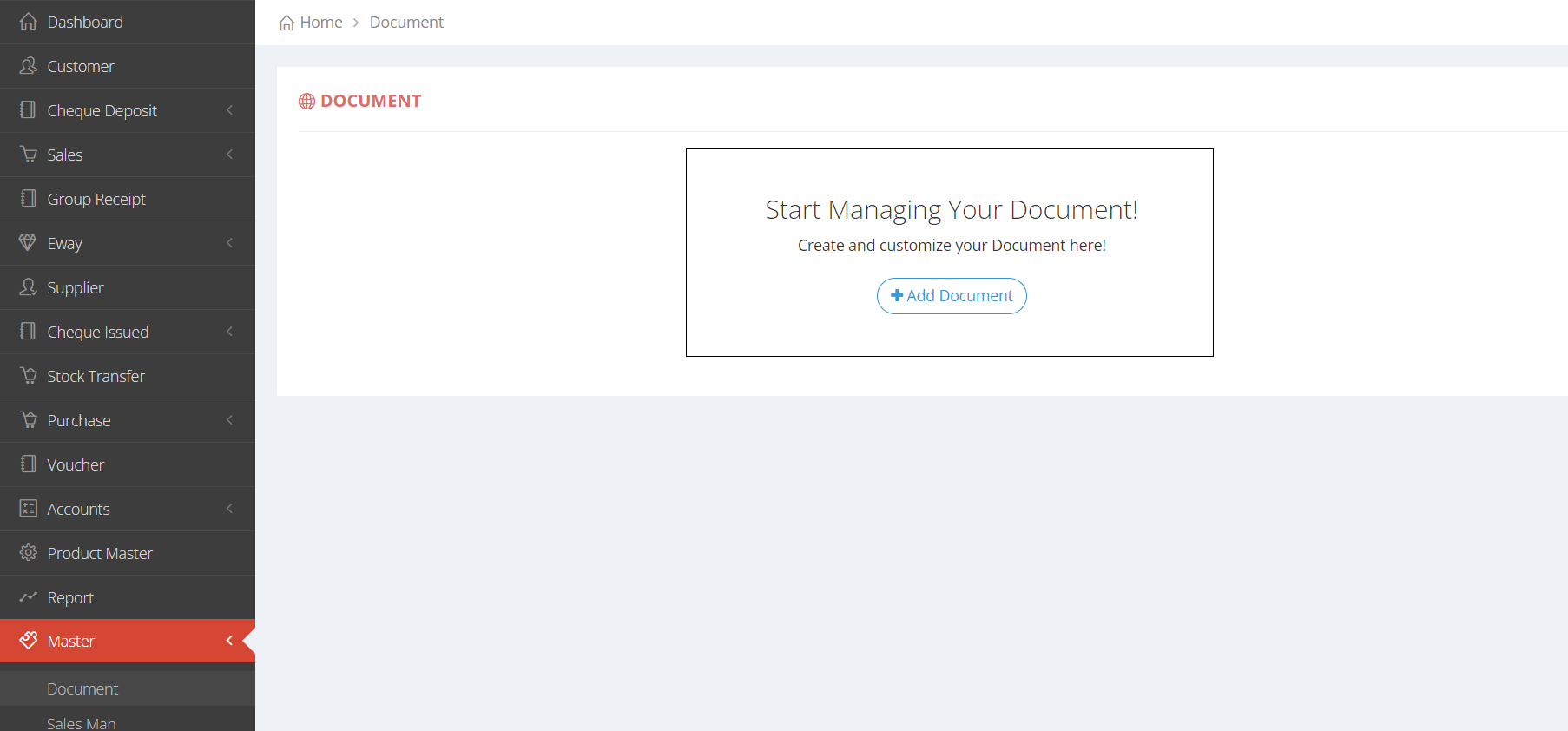
Adding the document in the Master Menu
Image and Text Represenatation to add the Document in the Master
- IMAGE REPRESENTATION

×

×

×
- TEXT REPRESENTATION
- 1. Click on the +Add document button.
- 2. Provide the all the necessary information in the Text area.
- 3. Click submit button to Add the Document.