Product Master
- Login
- Product Master Menu
- + Add Product
The product master module allows users to add new products by providing the necessary details such as product name, code for the product, category, taxes and pricing. This feature is essential for managing and updating the product catalog efficiently.
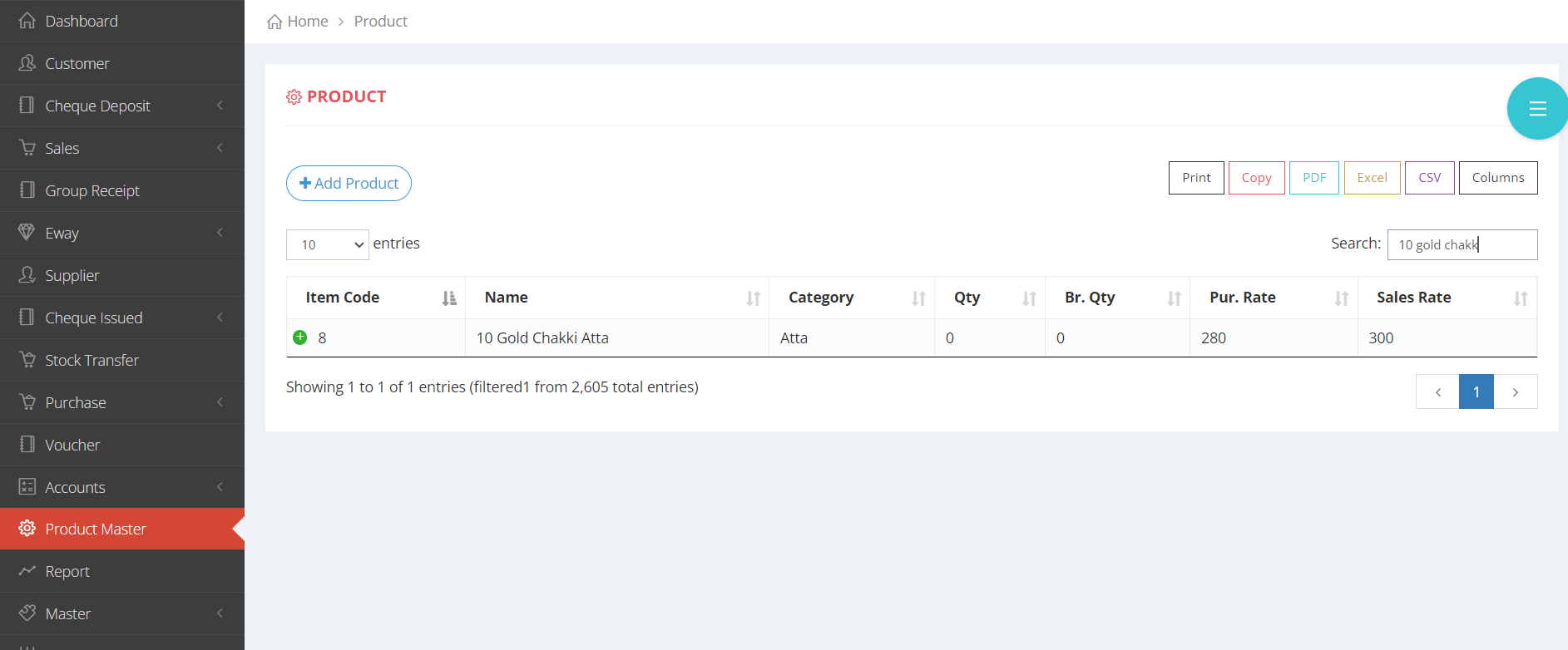
Adding the products
Adding products
The following procedure is explained with both images and text.
- IMAGE REPRESENTATION

×

×

×

×
- TEXT REPRESENTATION
- 1. Click on the +Add Product button to add a new product.
- 2. Provide all the necessary details, the fields marked with * are mandatory.
- 3. Finally, click on the submit button, the new product will be added.