Sales order Status
- Login
- Master
- Sales Order Status
- + Add Sales Order Status
The "Sales Order Status" feature allows you to track and manage the progress of sales orders throughout the fulfillment process. By monitoring the status of each order
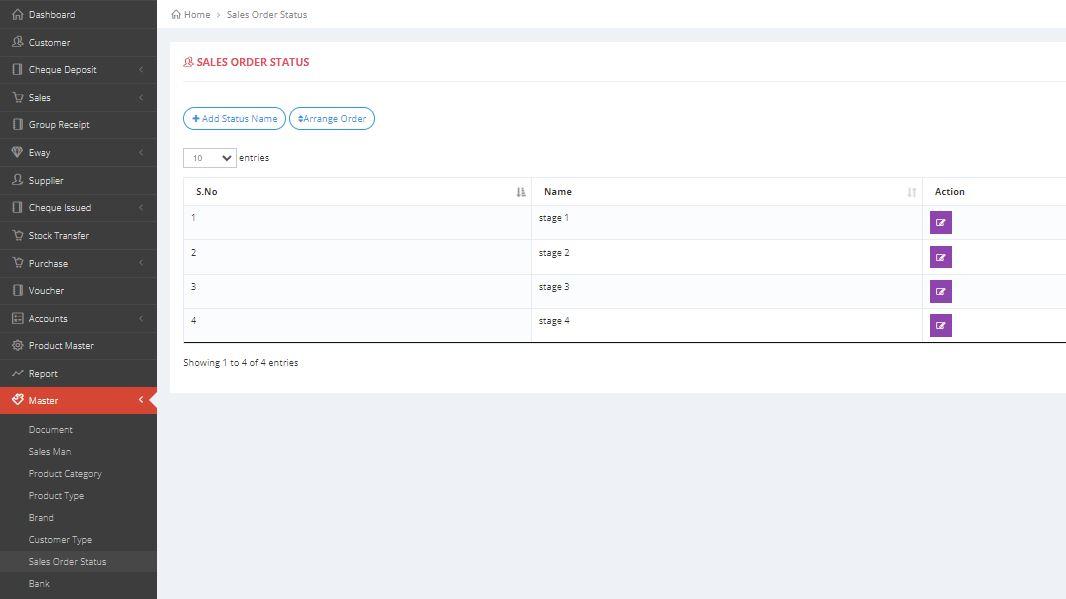
Adding the Sales Order Status
Sales Order Status
The following methods will demonstrate how to add a new Sales Order Status using both images and text.
- IMAGE REPRESENTATION

×

×
- TEXT REPRESENTATION
- 1.Click on the +Sales Order Status button to create a new sales order status.
- 2. Provide status name.
- 3. Finally click on the submit button.