Exploring Equalside Invoices
EqualSide.In makes small, medium business invoicing, billing and Accounting so simple, you'll be amazed at the time you have to focus on doing what you love and how much faster you get paid. It aligns your entire client billing work-flow in one unified platform. It improves your organization optimize service delivery and enhance your billing.
- Easily Customizable & Unlimited Support
- Manage your books anytime using multiple devices.
- Check % increase/decrease in business in one tap
- Track sales, invoices, supplier bills and payments
- Get ready to use GST reports
Before You Get Started
There are a few things that you need before you get started with EqualSide Invoice. If you’re reading this, you probably have it all. Anyway, you would need:
- a device - computer / laptop / mobile phone / tablet;
- a stable internet connection; and
- a browser or the EqualSide Invoice mobile app in your mobile device.
Browser Support
EqualSide Invoice supports the latest version of the following browsers:
- Chrome
- Firefox
- Safari
- Edge
Signing In
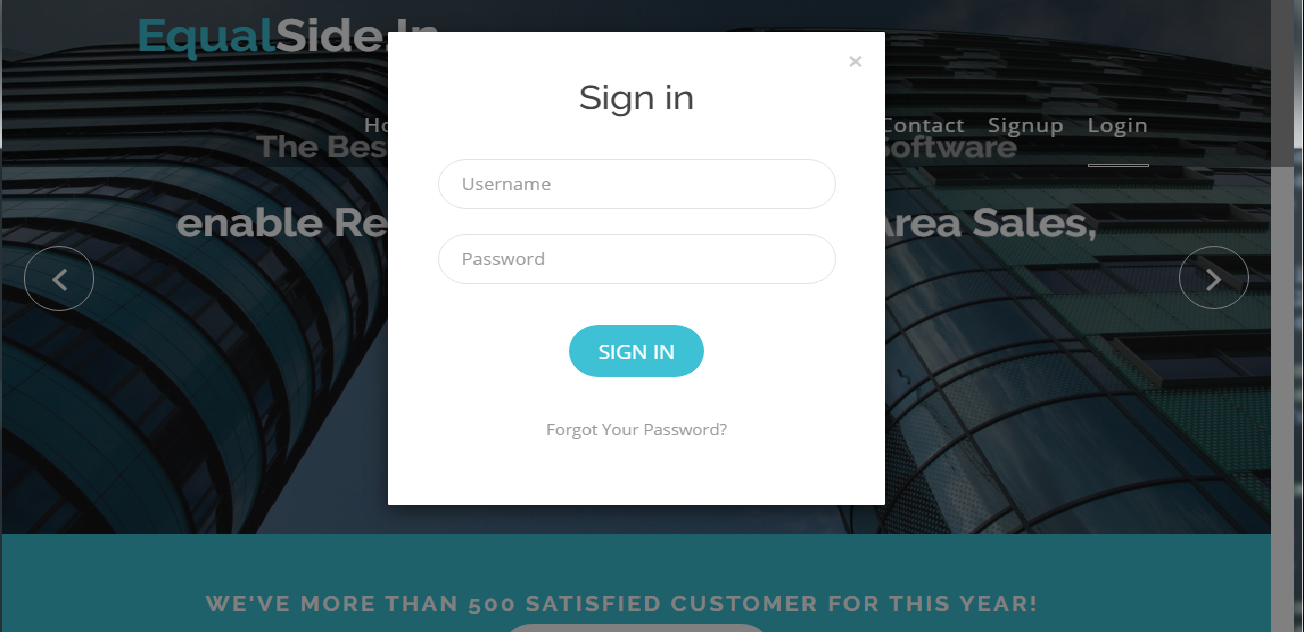
Since you have all that you need to start using EqualSide Invoice, let’s go to www.EqualSide.com/invoice. Signing up in EqualSide Invoice is as simple as creating an email account. To sign up:
- Click the SIGN UP FOR FREE button in the EqualSide Invoice Home page.
- Enter your Company Name, your email address and a secure password.
- Select your business location and click the CREATE ACCOUNT button.

Insight: You can also sign up into EqualSide Invoice using your Google Plus, Yahoo, Facebook, LinkedIn, Twitter or Outlook accounts.
Insight: You can also sign up into EqualSide Invoice using your Google Plus, Yahoo, Facebook, LinkedIn, Twitter or Outlook accounts.