Cheque Issued
- Login
- Cheque Issued menu
- Cheque Issued
The cheque issued module displays all issued cheques, allowing users to manage cheque processing, updating the status (collect or return), provide a reason for the action, and save the action they perform.
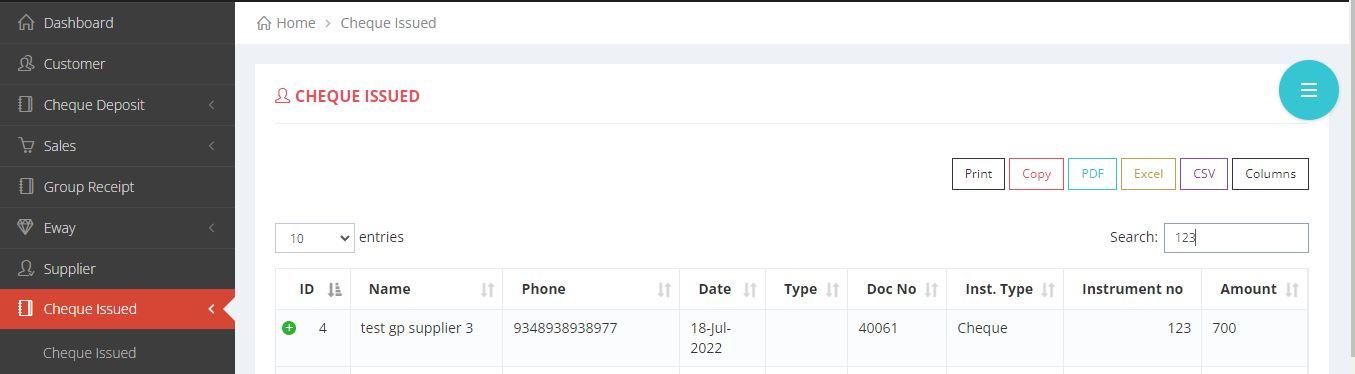
Procedure to search the cheque
Cheque Issued
The following steps will guide you on how to search and check the status of a cheque. The user can able to search by providing the details like doc no, instrument no and amount.
- IMAGE REPRESENTATION

×
- TEXT REPRESENTATION
- 1. Login to equalside.in
- 2. Click on the Cheque Issued menu.
- 3. Type and search for the cheque, that you are going to issue.